
Picture a skincare brand from Jaipur that decides to start selling in Bengaluru and Hyderabad. Stock is ready. Ads are ready. A couple of local delivery partners are signed up. Then the first week brings in 600-odd WhatsApp messages, and nobody knows who is answering what. Half the team replies from personal phones, a few customers get two different prices, and some get nothing at all.
We hear some version of this all the time. Expanding into a new market is exciting, but most of the trouble shows up in the inbox, not the warehouse.
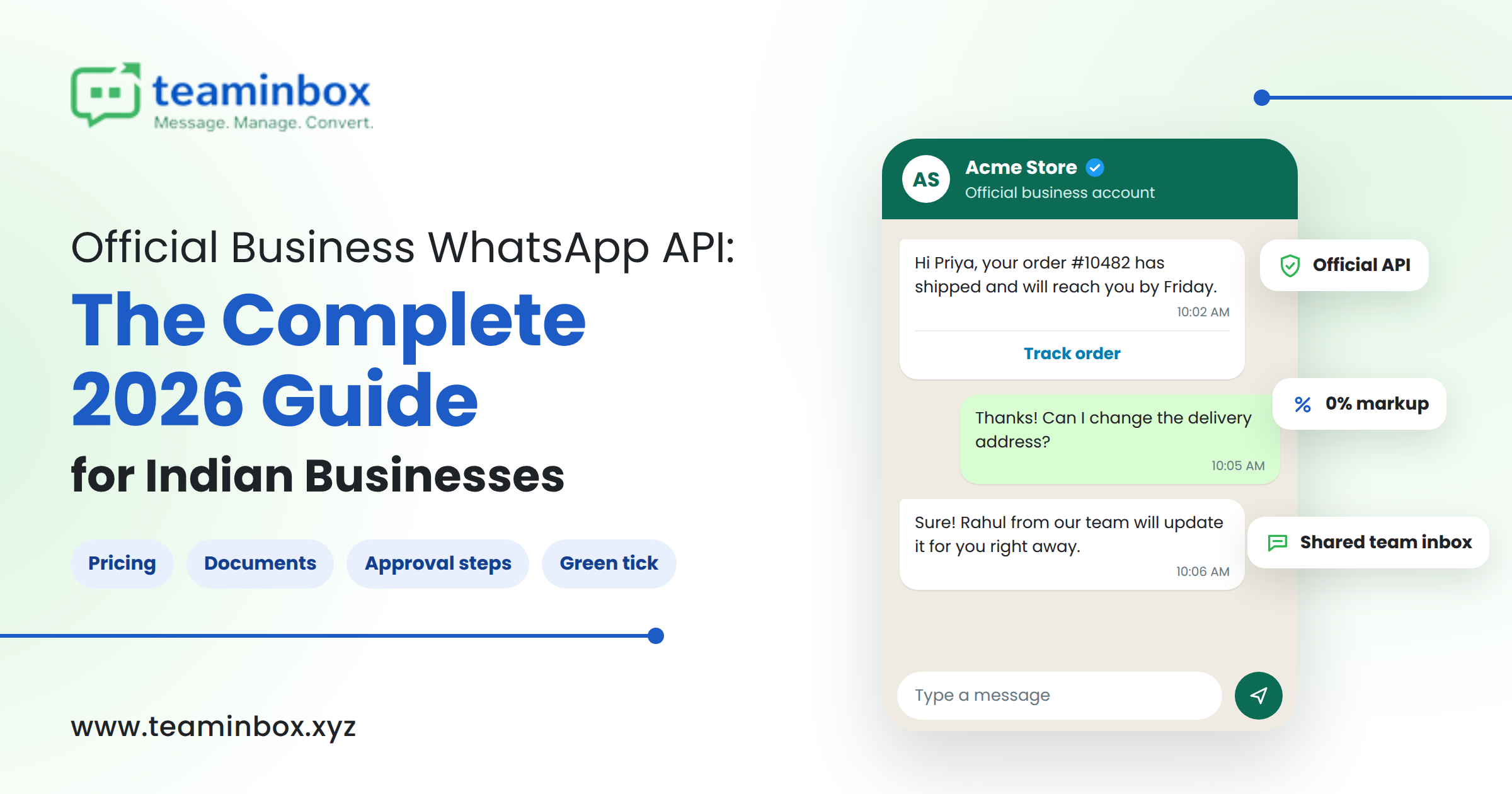
WhatsApp is usually where it starts. Something like 3 billion plus people are on it, and here in India most of us already use it to message the kirana store, our kid’s school, the dentist, even the builder about possession dates. So when you go into a new city, that’s where people will try to reach you first. The WhatsApp Business API lets your whole team handle those chats from one official number, with automation and compliance taken care of, so nobody is handing a single phone around the office all day.
So in this post we’ve put down what actually matters when using WhatsApp for market expansion: why it works, where teams usually trip up, and a plan you can follow for your next launch. We’ll also explain where TeamInbox, our WhatsApp CRM, fits in.
Why WhatsApp Is the Right Channel for New Markets
In a new city, you’re a stranger. Nobody has reviewed you yet, and no friend has recommended you. Why would someone download an app or fill a long form for a brand they’ve never heard of? Mostly they won’t, which is why the channel has to require almost no effort from their side.
WhatsApp is about as easy as it gets. Nobody downloads anything or makes an account. They tap a link on your ad and say hi. Honestly, that tiny bit of convenience is half the battle when someone has never heard of you.
Trust is the other half. A verified profile and a real person replying make a new brand feel a lot less sketchy. Customers can scroll up and see exactly what you promised them last week. In India especially, a lot of people would rather message a business than fill a form and wait for some unknown number to call back.
Messages also get seen. Email offers end up in the promotions tab, and SMS is mostly OTPs these days. Most of us have WhatsApp open half the day anyway, between family groups and office chats.
One more thing we like is that the whole relationship stays in one thread. Someone asks if a product is in stock, a few days later they get the order update, and the next week you ask how they liked it, all in the same chat. When you’re new in a market and building trust from zero, that history really helps.
The Real Challenges of Expanding Into a New Market
Most teams begin with the free WhatsApp Business app and two or three phones. It works fine for a while. Then the ads kick in.
Take a coaching institute from Lucknow opening a centre in Pune. One weekend of Instagram ads, 400 enquiries. Two counsellors answering from their own phones. By Monday, a few parents have been quoted different fees, a few are still waiting, and some have already joined the place down the road.
The first issue shows up within days. Leads pile up and there’s no proper place to track them. The second shows up a bit later and is worse in a way. Since all the chats are on the counsellors’ own phones, the manager can’t check which fee was quoted to which parent, and if one counsellor resigns, every conversation they had leaves with their phone.
Timing is another one. A lot of enquiries come in late, like 10 or 11 at night once people are back from work. If the reply only goes out the next morning, many of them have already asked two other places by then. Language also matters more than most teams think. An English reply that does okay in Gurgaon might get very few responses in Coimbatore, because a lot of people there would rather chat in Tamil.
Then comes compliance, which honestly most people don’t bother about until something goes wrong. Bulk-sending tools that aren’t official, contact lists bought from someone, messages to people who never said yes. Any of these can get your number blocked by WhatsApp, and there isn’t much warning. With bad luck, it happens during launch week, which is exactly when you can’t afford it.
And lastly, most teams fly blind. Without delivery, read, and conversion numbers, you honestly can’t tell whether Pune is working better than Nagpur or if that ad budget is just burning.
How the WhatsApp Business API Solves These Problems
The free app was made for a shopkeeper with one phone. It was never going to survive a sales team of ten and a few hundred chats a day. The WhatsApp Business API was built for that kind of load.
On the API, you could have ten people replying from one business number, and every chat is given to a particular person. Nothing lives on someone’s personal phone anymore; it all sits in one system. So say a phone falls in a puddle or a salesperson quits in the middle of the month, you still have every old chat. The boring repeat questions (what time do you open, how much is the course) can go to auto-replies or a chatbot, even if it’s midnight. And templates can be approved in Hindi, Marathi, Tamil, whatever the new market speaks, with the customer’s name or area dropped in. Opt-in messaging on Meta’s official setup keeps your number out of trouble, and you also start getting delivery, read, and reply numbers for every campaign you run.
One thing people don’t realise, though. The API is just plumbing. There’s no screen, no inbox, nothing for your team to actually log into. You need a platform on top of it.
How TeamInbox Helps You Grow in New Markets
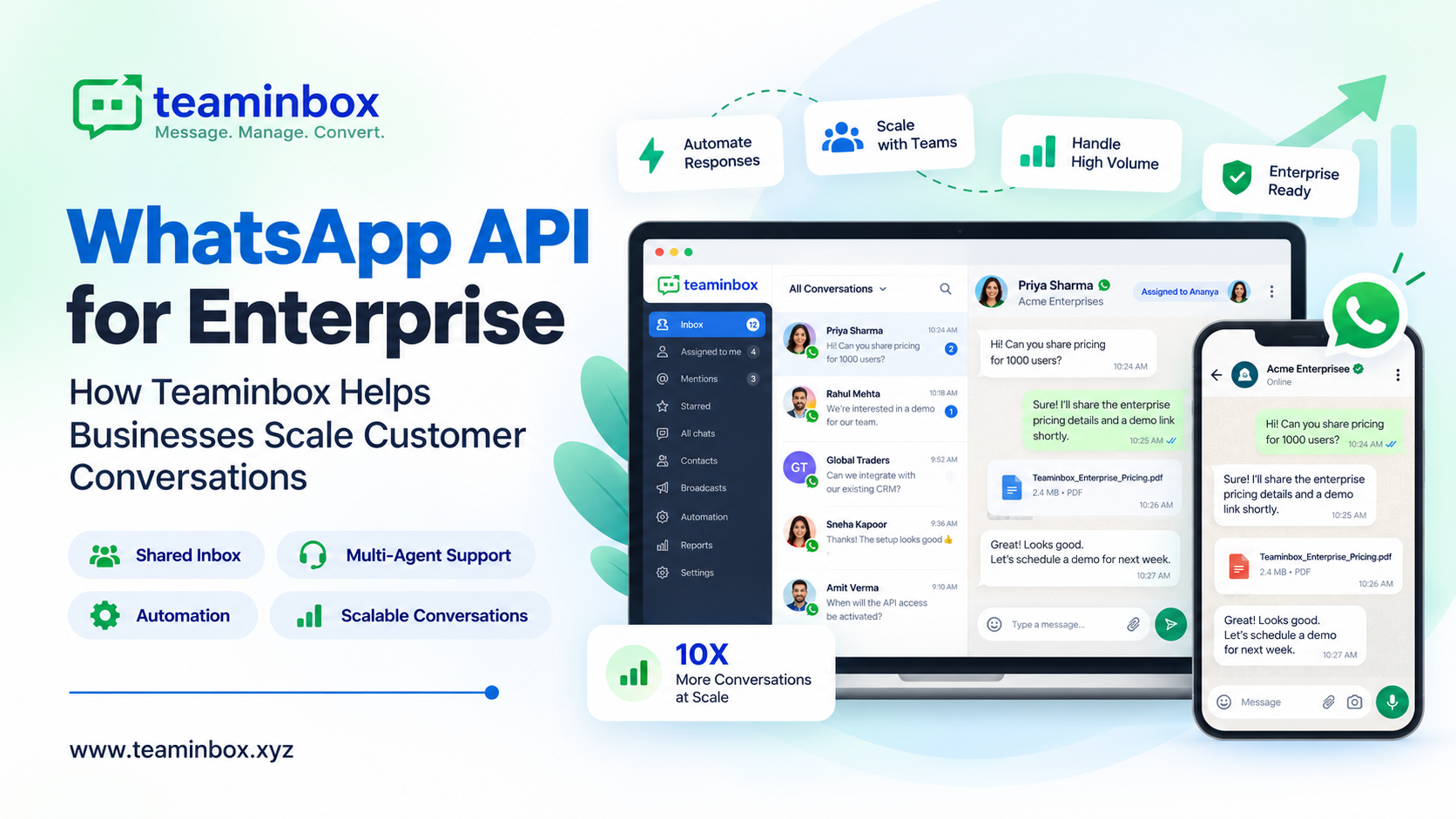
We built TeamInbox for exactly this gap. It’s a WhatsApp CRM and automation platform that sits on the official WhatsApp Business API, and it’s meant for sales, support, and growth teams who already live on WhatsApp but are tired of the chaos.
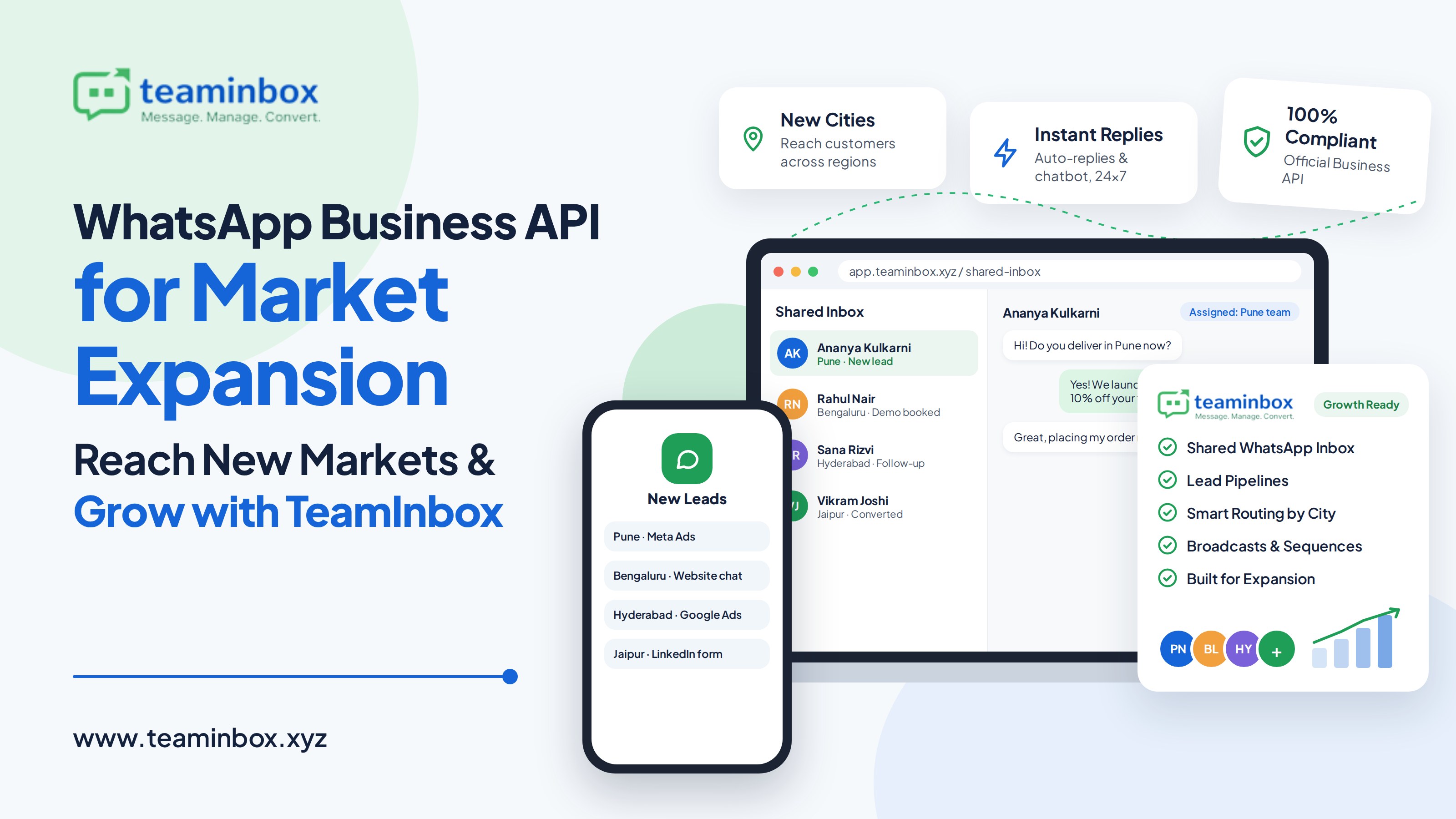
The heart of it is the shared inbox. Every WhatsApp chat comes into one screen. You assign it, your teammate replies, the manager can see it, and if someone leaves next month, the full customer history is still sitting right there.
Chats don’t just stay chats, either. TeamInbox turns them into leads and puts them in custom pipelines where each lead has an owner. Add a note, tag it “Pune – demo booked”, set a reminder for Thursday. That’s really what lead management should feel like during a busy launch, and it’s the difference between following up and forgetting.
Most launches pull leads from more than one place, so we bring in Meta Ads, Google Ads, LinkedIn forms, website forms, and CSV uploads as well. One list. No juggling five spreadsheets.
Automation covers the time after your team has logged off. Put auto-replies, keyword triggers, a basic WhatsApp chatbot, and follow-up reminders in place, and leads won’t just sit there till morning. Routing rules are useful as well. Say every enquiry from Pune goes straight to your Pune team, or any chat that comes in Hindi goes to the agent who speaks Hindi best.
When you’re ready to announce yourself, bulk broadcasts and broadcast sequences help you share launch offers and slowly warm up interested people over a few days, only to opted-in contacts and through approved templates.
There are a couple of smaller things people end up loving too. With the website chat widget, someone on your city landing page can open a WhatsApp chat with one tap. Number coexistence is for businesses that don’t want to change the number customers already have saved, and most don’t. And delivery, read, and failure tracking show you plainly how each market is doing.
Oh, and we only run on Meta-approved infrastructure. No spam tools, no number scraping. Compliance isn’t something you have to think about.
A 7-Step Playbook to Launch in a New Market With WhatsApp
Below is the order we’d personally follow if we had to open in a new city next month. Change it around as per your business.
Step 1. Hold off on ads for a bit. Spend about a week just figuring out the city. How do people there actually buy? Do they type in English, Hindi, or Hinglish? Are they online in the morning or late at night? What do they keep asking before they pay? Honestly, ten minutes on the phone with a local shopkeeper teaches you more than a fancy market report.
Step 2. Apply for the official WhatsApp Business API account. Meta does a business verification first, so keep your documents handy. Fill out the profile properly too- logo, address, website, everything- and after that, hook the number up to a platform like TeamInbox.
Step 3. Collect opt-ins; don’t skip this. People can say yes through click-to-WhatsApp ads, the chat widget on your site, a QR code stuck near the billing counter or on your event stall, or a simple lead form. Buying a list of numbers is tempting; we know. Don’t. One ban and the whole number is gone.
Step 4. Next, templates. Four or five is fine to start, written in the local language: welcome, launch offer, reminder, follow-up. Put the person’s name or their area in it. Otherwise it looks like one of those good-morning forwards and gets ignored.
Step 5. Don’t make people wait for the first reply. A few auto-replies, a small FAQ chatbot and some keyword triggers will answer them within seconds. If the question is tricky, the bot just passes it on to someone from the team.
Step 6. Each lead goes into a pipeline. One owner, a tag for the city or campaign, and a follow-up date- that’s it. Launch week gets crazy, and without this you will forget people, trust us.
Step 7. Every Monday (or whichever day works), check delivery, read, and reply rates by campaign and region. Whatever’s bringing customers, spend more there. Whatever isn’t, fix it or drop it.
Best Practices and a Few Common Mistakes
A few small things make a real difference. Send messages when people in that city are actually free, not just when your office is open. Keep broadcasts short; honestly, one offer and one link does the job. Never leave customers stuck with only a bot; give them a way to reach a human, or they’ll get annoyed and leave. And tag chats and leave notes, so the next person who opens a chat doesn’t make the customer explain everything from the start.
What goes wrong? Usually it’s the same handful of things. Brands message people who never opted in and wonder why they get reported. They blast the exact same text to Delhi and Dubai. Sales still runs off someone’s personal phone. Promotions go out every other day until people hit block. Or, our personal favourite, someone replies to a broadcast, and nobody answers them for two days, even though that’s the warmest lead you’ll get all week.
In the first couple of months, check your numbers every week. Fixing things early is a lot cheaper than fixing them after the budget is gone.
Start Your Expansion With TeamInbox
Strip away the jargon, and market expansion is pretty simple. Be where people already are. Reply quickly, and like a person. Don’t let your team drown as the chats pile up. WhatsApp takes care of the first part. TeamInbox is our answer to the rest: a shared inbox, lead pipelines, automation, and broadcasts, all on official and compliant infrastructure.
New city or new country, the goal doesn’t really change. You want that first “Hi, is this available?” message to slowly turn into someone who keeps buying from you.
Want to try it yourself? Start a free trial, or just message us on WhatsApp and someone from our team will show you around.
Frequently Asked Questions
What is the difference between the WhatsApp Business app and the WhatsApp Business API?
The app works if a single person manages chats on one phone. The API is for teams. Lots of agents can use the same number; you can set up automation, send broadcasts to people who opted in, and hook WhatsApp up to your CRM.
Can my team handle customers from different regions on one number?
Yes. Every chat comes into one shared inbox, and you can set rules to route chats by keyword, lead source or region to the right team.
How do I make sure my WhatsApp number does not get blocked?
Only message people who have opted in, use approved templates when you start a conversation, keep the frequency reasonable, and use the official WhatsApp Business API. It’s the reason TeamInbox only works on Meta-approved infrastructure.
Can I manage leads from ads and forms along with WhatsApp chats?
Yep. Leads from Meta Ads, Google Ads, LinkedIn forms, website forms, and CSV files all show up in TeamInbox next to your WhatsApp chats.
Do I need technical skills to get started?
No. Most teams get going on their own. If your developers want to build something custom, our API docs are open.