




WhatsApp Message Scheduling Made Simple
Manual follow-ups slow teams down and create missed opportunities. The Schedule Message feature lets you prepare WhatsApp messages in advance and send them automatically at the exact time your consumers need them.
You stay consistent without being online! Whether it's a reminder, greeting, alert, or sales follow-up.
Turn timing into your advantage
Consumers respond faster when messages arrive at the right moment. You can match your outreach with business hours, campaign launches, renewal dates, or customer preferences with scheduling.
- No Last-Minute Rush
- No Manual Sending.
- No Missed Communication

Automate, Plan, and Deliver
with Precision
Today

Reduce workload with automation
Your team shouldn't spend hours repeating the same tasks daily. Schedule messages once. Let the system take care of the rest
- Eliminate repetitive manual follow-ups
- Maintain regular communication
- Avoid human errors
- Improve team productivity
This means more time for meaningful conversations and revenue-generating activities.
Built for Real Business Scenarios
The Schedule Message feature supports a wide range of use cases across sales, marketing, and support
- Send welcome messages to new leads
- Remind customers about appointments
- Notify users about renewals or due payments
- Follow up after inquiries
You increase response rates and strengthen relationships by staying proactive.
Flexible Scheduling Options
Every business operates differently, so timing control is essential. The system allows you to decide exactly how and when messages should go out.
- Select future date and time
- Create recurring schedules for daily, weekly, or monthly communication
- Send approved templates to maintain accuracy and compliance
- Personalize messages for individual customers or targeted groups
You define the strategy! Automation handles delivery.


Simple Setup in Seconds
Advanced results should not require complicated systems
The Schedule Message feature is designed so that anyone on your team can use it without technical training.
Just select the contact or group, write or choose your template, decide the delivery time, and save.
Your message is now lined up and ready to be sent automatically.
If plans change, you can edit, reschedule, or cancel anytime from the dashboard. Nothing is locked, and you always remain in control.
Turn Every Scheduled Message into Better Results
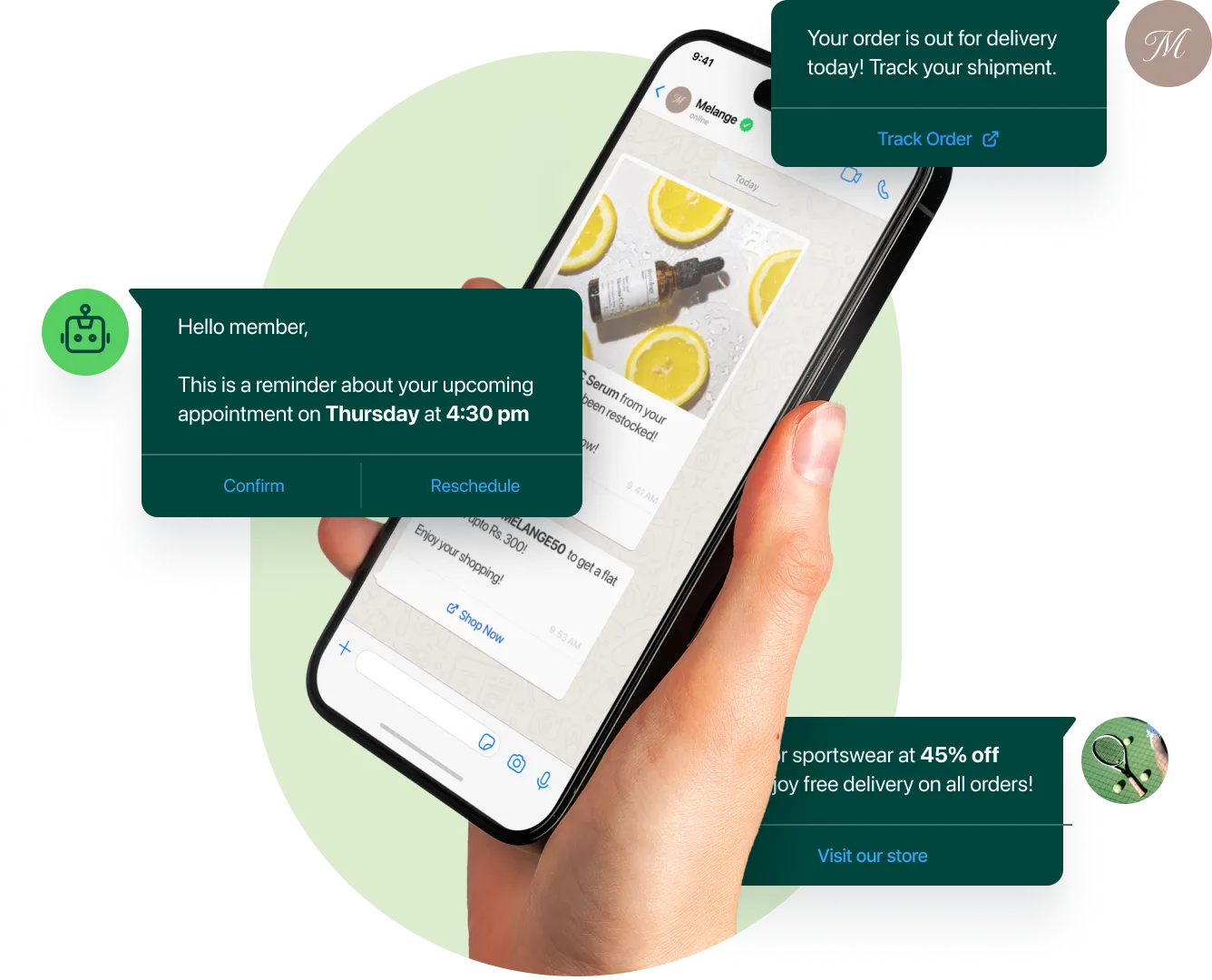
Stay Organized and Confident
When multiple team members handle conversations, visibility is critical. A shared view of scheduled communication keeps everyone aligned and prevents mistakes.
- View all Upcoming Messages in One Place
- Avoid Duplicate or Conflicting Follow-Ups
- Improve Coordination across Teams
- Maintain Consistent Brand Communication
- Keep Everyone Informed About Send Times

Reach Customers Beyond Working Hours
Your team may log off, but conversations with customers can still continue. Scheduling helps your brand stay responsive at the moments people are most active.
- Deliver Messages Early Morning or Late Evening
- Connect with Customers During Weekends
- Stay Active Even When Agents are Offline
- Match Communication with User Availability
- Extend Service Coverage Without Extra Staff
It feels effortless for your team and convenient for customers.


Improve Engagement and Conversions
Great timing builds trust and encourages action. They are far more likely to respond. when customers receive updates exactly when needed.
- Faster Responses
- Better Appointment Attendance
- More Successful Payments
- Higher Campaign Impact
- Stronger Customer Loyalty
Small timing improvements can create big growth in results.


Start Automating Today
Modern businesses win by being consistent, responsive, and reliable.
You can maintain professional communication without increasing workload with the Schedule message Feature in TeamInBox.
- Prepare Once
- Send Automatically
- Grow Everyday